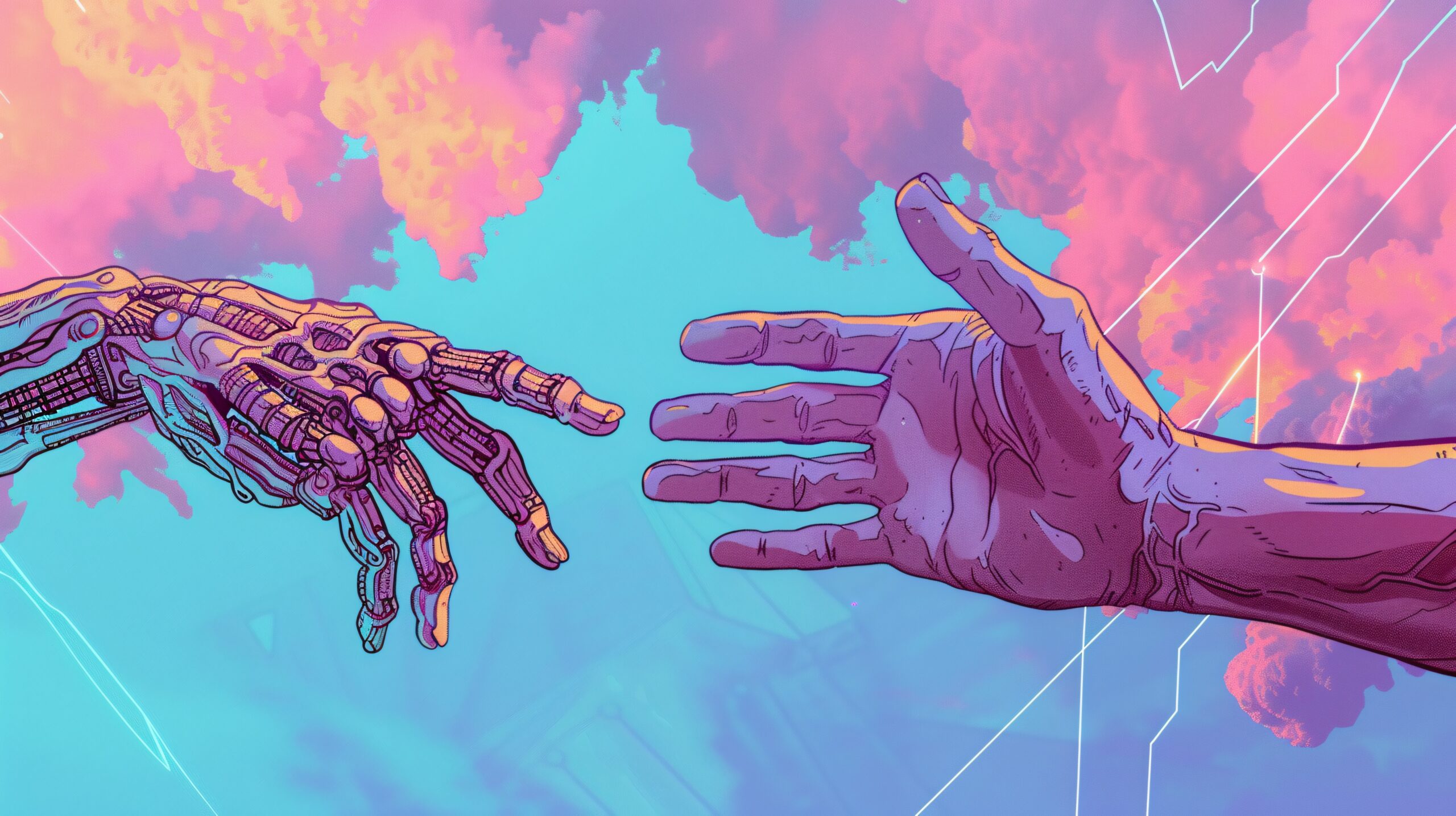
Most AI tools still feel like forms, you type a prompt, wait, then read a reply. Google Omni AI points to something more fluid, where one system can read your words, look at your image, hear your voice, and respond in the same exchange.
That matters because real life doesn’t arrive as plain text. You study from diagrams, ask questions out loud, watch demos, and switch between formats all day. A multimodal model tries to keep up with that mix instead of forcing everything into a chat box.
The result is a different kind of AI experience, and it helps to see where that shift starts.
Google Omni AI means more than a chatbot
When people talk about Google Omni AI, they usually mean Google’s push toward multimodal AI, systems that can handle more than one kind of input at once. Instead of working with text alone, the model can process text, images, audio, video, and live interaction in a shared context.
Google has publicly described this direction in its Gemini Omni announcement, which says users can combine images, audio, video, and text as input. That wording matters. It shows the idea is not limited to chat. The system is built to connect several signals at the same time.
In plain English, Google Omni AI is closer to an all-senses assistant than a text bot. You can ask a question, show a picture, add a voice note, or refer to a clip, and the model tries to treat those pieces as one conversation. That is why the name “Omni” gets attention. It suggests breadth, not a single narrow skill.
What makes it different from older AI tools
Older AI assistants often worked one lane at a time. They were strong at text, but they needed separate tools for speech, images, or video.
This comparison makes the shift easier to see:
| Older AI tools | Google Omni AI style | What it means for you |
|---|---|---|
| Mostly text in, text out | Text, image, audio, and video together | You can show and tell |
| One prompt at a time | Ongoing back-and-forth | You can correct and refine faster |
| Separate tools for each medium | Shared context across media | Less switching between apps |
The big difference is context. If you upload a chart and ask a spoken question about it, a multimodal system can connect both. A text-only tool would need you to describe the chart first, and that step often loses detail.
Why “multimodal” matters so much
People don’t understand the world in separate folders. You listen, look, read, and speak all at once. Multimodal AI tries to mirror that pattern, at least in a limited machine sense.
Multimodal AI matters because your questions rarely arrive in one format.
That matters in everyday tasks. A student may snap a photo of math work, ask for help out loud, and need a step-by-step reply. A researcher may compare a paper, a graph, and a recorded explanation. A developer may share a screen, describe a bug, and ask for code suggestions. In each case, the useful part is not one input by itself. The useful part is the link between them.
A report on Gemini Omni as an “any-to-any” model captures that broader idea. The system is moving toward AI that can work across formats, not just inside one box.
How multimodal AI connects text, images, audio, and video
The simplest way to understand multimodal AI is to picture one model with several doors. You can enter through text, speech, an image, or a video clip, and the system tries to meet all of them in one place.
That sounds technical, but the effect is easy to picture. You ask a question in text, attach a screenshot, and then follow up by voice. A strong multimodal model doesn’t treat those as random fragments. It tries to build one answer from all of them.
Seeing and describing images in context
Image understanding is more than naming objects. A useful model should be able to notice relationships, read visible text, and explain what is happening in the scene.
For example, a chart is not just “a bar graph.” The model may need to compare bar heights, spot a trend, or explain the message in plain language. A classroom photo may include a whiteboard, student notes, and a diagram. Context shapes the answer.
That is why visual AI becomes more helpful when it works with language. You can point at the image and ask, “What changed here?” or “Why does this graph matter?” The picture carries the detail, while the question sets the goal.
Listening to voice and replying in real time
Voice adds speed. Many people speak faster than they type, and natural follow-up questions often come out loud before they would ever be written.
Real-time response matters here. If the model can listen, respond, and adjust quickly, the exchange feels less stiff. You don’t need to stop and rewrite every thought into a polished prompt. You can ask, interrupt, clarify, and keep moving.
That makes AI feel more usable in learning, support, and daily work. A fast answer alone is not enough, though. The response still needs to fit what was said, how it was said, and what came before.
Using video to understand motion and sequence
Video adds time, and time changes the problem. A still image can show a moment. A video can show motion, order, and cause.
That opens different uses. A model could watch a demo and explain each step. It could review a classroom clip and identify the lesson flow. It could also look at a process video and answer questions about what happened first and what happened next.
In other words, video helps AI track a story instead of a snapshot. That makes a difference whenever change over time is the whole point.
Why Google Omni AI could matter in school, research, and work
The strongest case for Google Omni AI is not novelty. It is usefulness. When one system can take mixed input and answer in context, many everyday tasks get simpler.
A more interactive study partner for students
Students often learn through a mix of formats. A textbook gives text, a teacher gives speech, a worksheet shows diagrams, and a video shows the process. Standard search can help, but it usually treats each piece on its own.
A multimodal model can respond in a more connected way. A student might upload a homework photo, ask for a simpler explanation, and then practice a spoken answer. That is closer to tutoring than keyword search.
It also helps with visual learning. If a lesson depends on a graph, geometry sketch, or science diagram, the AI can discuss what is on the page instead of waiting for the student to describe it from scratch.
Faster support for researchers and knowledge workers
Research rarely stays in one medium. A person may read a paper, study a figure, listen to a talk, and compare notes from a meeting. The challenge is not only finding information. It is pulling the pieces together.
Google Omni AI could reduce that friction. Instead of summarizing a document alone, the model could compare a slide deck with written notes and spoken comments. It could help spot mismatches, explain a visual, or turn scattered material into a cleaner draft.
That promise lines up with broader conversations about real-world AI productivity gains. The value shows up when AI cuts time on actual work, not when it simply produces more output.
More natural help with everyday productivity
Workplace use can be ordinary and still matter. Notes, planning, first drafts, meeting follow-ups, and quick explanations all benefit from better context.
A multimodal assistant could help someone speak a rough idea, attach a screenshot, and get a cleaner summary back. It could answer questions about a shared document while also using the meeting audio or a visual cue from the screen. That reduces the gap between how people work and how the tool listens.
The point is not that every task needs advanced AI. The point is that many tasks already involve mixed signals, and a system that can handle those signals naturally feels more useful.
What real-time reasoning could mean for the next wave of AI
The phrase real-time reasoning sounds grand, but the idea is simple. The system responds while the situation is still unfolding, and it keeps track of what changed.
Why speed and context need each other
Fast answers are helpful only when they fit the moment. If the model replies quickly but misses the image, ignores the latest comment, or forgets the earlier question, speed becomes noise.
Real-time reasoning tries to join those two things. The AI listens, watches, and updates as new input arrives. That is why live multimodal interaction feels different from old prompt-response tools. The system does not start from zero each time.
This wider shift also fits bigger future trends in AI technology, where progress depends on human judgment, infrastructure, and real use, not just model demos.
How live interaction raises expectations
Once people can talk to AI naturally, their standards change. They expect fewer rigid prompts and fewer awkward handoffs between apps.
Education could feel more conversational. Support tools could respond to what is on screen, not only what was typed. Creative work could move faster because the model can react to sketches, narration, and edits in one loop.
That doesn’t make AI human. It does make the interface feel less mechanical, and that alone shifts what users expect from software.
The limits, risks, and open questions still matter
Powerful AI can still be wrong. A model may misread an image, miss a detail in audio, or answer with more confidence than accuracy.
Where AI can still get things wrong
Multimodal systems add ability, but they also add more ways to fail. An unclear image can lead to a bad reading. Background noise can distort speech. A video clip without enough context can push the model toward the wrong conclusion.
There is also the old problem of made-up answers. If the AI lacks a fact, it may still produce a polished response. That can be risky in school, research, health, finance, or legal work.
Privacy and bias matter too. Voice, video, and images often contain more personal detail than plain text. As the inputs grow richer, the stakes around storage, consent, and fair treatment grow as well.
Why human review still matters
AI works best as support for judgment, not a replacement for it. That is true in classrooms, offices, and research settings.
Even short explainers about AI often carry a warning for good reason: AI-generated material can include errors, omissions, or outdated claims. Important facts still need a check against official sources. Careful rollout matters at work too, and smart approaches to enterprise AI focus on outcomes instead of raw usage.
A strong tool can save time. It should not make the final call on high-stakes decisions.
Why Google Omni AI matters
Google Omni AI points toward a simple but important shift. AI is moving beyond typed prompts and toward systems that can read, watch, listen, and respond in one exchange.
That matters because your work and learning already happen across formats. When AI can follow that mix, it becomes easier to ask better questions, get clearer help, and move through tasks with less friction.
The promise is real, but so is the need for caution. Multimodal AI becomes useful when it understands context well and stays open to human review.